Table of contents
Understanding the principles of video projection and display is crucial in today’s visually driven world. We’ll jump into the core concepts that make crisp, clear images possible on screens big and small. From lumens to contrast ratios, we’re unpacking the tech that brings images to life.
Whether you’re setting up a home theater or designing a large-scale multimedia exhibit, knowing the ins and outs of projection technology can make or break your viewing experience. At Schaller Design Lab, we specialize in turning visual dreams into reality, no matter where you are in the world.
If you’re looking for expert advice on your next project, need help with design, or are considering the best equipment for your needs, don’t hesitate to reach out to us. We’re here to help you create immersive visual experiences that captivate and inspire.
Understanding Projection and Display
What is Video Projection?
Video projection is a technology we use to display images on a surface, typically a projection screen or wall. It involves projecting light to create visuals, scaling from small home theaters to massive outdoor venues. We categorize video projection systems by their light source, which includes:
- Traditional bulb projectors
- LED projectors
- Laser projectors
Brightness and resolution are critical characteristics of projectors, measured in lumens and pixels, respectively. Modern projectors also offer a variety of aspect ratios like 16:9 or 4:3, catering to different viewing experiences.
What is Video Display?
Video displays, on the other hand, are devices that show static or moving images without the need for projection. This encompasses items like:
- TVs
- Monitors
- Digital signage
Each display type uses different mechanisms, for example, Liquid Crystal Displays (LCDs) or Organic Light-Emitting Diodes (OLEDs), to produce images. Displays also vary in resolution, with full HD, 4K, and now even 8K options transforming our viewing clarity.
The choice between projection and display depends largely on the intended use, size of the venue, and ambient lighting conditions. But, one is not necessarily better than the other; they simply serve different purposes in the world of visual media.
Principles of Video Projection
Brightness and Contrast
When we discuss video projection, brightness and contrast are at the forefront. Brightness refers to the amount of light a projector can emit and is measured in lumens. The higher the lumens, the brighter the image, which is crucial for environments with ambient light. On the other hand, contrast ratio indicates the difference between the darkest black and the brightest white. A high contrast ratio allows for deeper blacks and more vibrant colors, enhancing the dynamic range of the projected image. It’s a key component in achieving a high-quality picture, especially in darkened rooms.
Resolution and Aspect Ratio
Resolution is about the number of pixels that make up the projected image. Common resolutions include 720p, 1080p, and 4K. The more pixels we have, the sharper and more detailed the image. Aspect ratio, the ratio between the width and height of the image, is another critical factor. It shapes the viewing experience substantially. The standard aspect ratios we encounter are 4:3 for standard definition and 16:9 for high definition. It’s important to match the projector’s aspect ratio with the content being shown to avoid stretching or letterboxing.
Color Reproduction
Color reproduction can make or break a viewing experience. Good color reproduction means the projector can create colors that are vivid, accurate, and varied. This is largely determined by the projector’s color processing technology and the quality of its light source. We aim for a projector that covers a wide color gamut to ensure that it renders all the hues in the video source accurately, providing an immersive experience.
Throw Ratio and Projection Distance
The throw ratio is the relationship between the distance of the projector from the screen and the width of the image. It’s vital for deciding where to place the projector, especially in space-restricted environments. Short-throw projectors can display a large image from a short distance, while long-throw projectors are designed for large venues like theaters. We calculate the optimal projection distance by considering the throw ratio alongside the size of the screen and the space available in the room.
Keystone Correction
Finally, keystone correction is a feature that addresses the problem of image distortion. When a projector is not perfectly perpendicular to the screen, the image can appear trapezoidal rather than rectangular. Keystone correction adjusts the image digitally to restore the proper shape. While this feature can be incredibly useful, we must be aware that overuse might reduce image quality. It’s a balancing act, ensuring the projected image maintains integrity while fitting perfectly onto our chosen surface.
Principles of Video Display

A modern living room setup featuring a large screen displaying an action scene, offering a comfortable viewing experience.
Just as vital as understanding the intricacies of video projection, grasping the principles behind video displays allows us to make informed decisions when it comes to our visual technology needs. We’ll investigate into the core aspects that define video display technologies, providing essential insights that guide our selections and usage.
Types of Video Display Technologies
Video display technologies have evolved rapidly, and we’re now presented with a plethora of options each boasting unique benefits. Let’s break them down:
- Liquid Crystal Displays (LCDs) are known for their sharpness and energy efficiency.
- Organic Light-Emitting Diode (OLED) screens offer superior contrast and deeper blacks.
- Plasma displays are less common these days but they were once prized for their excellent viewing angles and color accuracy.
- Quantum Dot LED (QLED) technology enhances traditional LED displays with a quantum dot film, improving color and brightness.
Display Size and Viewing Distance
Choosing the right display size is crucial for the best viewing experience, and it’s closely tied to the viewing distance. We rely on industry standards such as the Society of Motion Picture and Television Engineers (SMPTE) recommendations to determine the optimal distance. Typically, a display should be viewed from a distance that’s approximately 1.5 to 2.5 times the diagonal screen size for full HD resolutions, and closer for higher resolutions like 4K.
Refresh Rate and Response Time
In the area of video displays, refresh rate and response time are key performance indicators:
- The refresh rate, measuring how often the screen updates with new information per second, is stated in Hertz (Hz). Standard refresh rates are often 60Hz, while gaming monitors may boast rates upwards of 144Hz to 240Hz for smoother motion. – Response time pertains to the speed at which a display can change pixels from black to white or from one shade of gray to another, typically measured in milliseconds (ms). Lower numbers indicate faster transitions and reduce motion blur.
Viewing Angles
Viewing angles are a critical aspect when we’re discussing video displays, as they determine the quality of the image when not viewed head-on. The wider the angle, the better the image retains its quality when viewed from different positions. This is especially important for public displays or when our viewing setup accommodates large groups.
HDR and Dolby Vision
High Dynamic Range (HDR) and Dolby Vision are innovations we can no longer ignore in video display technology. These features enhance the display’s dynamic range, meaning brighter whites, darker blacks, and a more vast spectrum of colors. HDR10 and Dolby Vision make our visual content more immersive with their superior contrast and color accuracy. It’s important to note that both require compatible content to use their full potential.
Conclusion
We’ve covered the critical elements that shape our video projection and display experiences. From the light sources that bring projections to life to the intricate technologies behind our screens, we now understand what makes for a high-quality visual presentation. Whether it’s the size of the display, the importance of refresh rates, or the impact of HDR, these principles guide us in making informed choices. Armed with this knowledge, we’re better equipped to appreciate the nuances of video technology and to select the right equipment for our needs. Let’s embrace these insights as we continue to explore the ever-evolving world of video projection and display.
Frequently Asked Questions
What is video projection?
Video projection is the technology used to display images on a surface, like a projection screen or wall, by projecting light.
How do projection systems differ?
Projection systems vary primarily based on the type of light source they use, such as traditional lamps, LEDs, or lasers.
What’s the difference between video projection and display devices?
Video projection requires a separate surface to display images, while display devices like TVs and monitors produce images directly on their built-in screens.
What should I consider when choosing a video display?
Consider the type of display technology, screen size, viewing distance, refresh rate, response time, viewing angles, and HDR or Dolby Vision compatibility for the best viewing experience.
What are the types of video display technologies?
Common video display technologies include LCD, LED, OLED, and QLED, each having distinct methods of producing images.
How do size and viewing distance affect video displays?
The display size combined with the viewing distance affects the viewing experience, with larger screens requiring a greater distance for optimal viewing.
What are refresh rate and response time?
The refresh rate is how often the display updates the image per second, and response time is the speed at which a pixel can change color, both contributing to the fluidity and clarity of motion in the video.
Why are viewing angles important?
Viewing angles determine how the picture quality maintains consistency when viewed from different positions, ensuring a uniform experience for multiple viewers.
What is HDR and Dolby Vision?
HDR (High Dynamic Range) and Dolby Vision are technologies that enhance the video’s contrast and color, providing a more vivid and realistic image.
Our Portfolio

R&R: A Journey of Design, Technology, and Passion

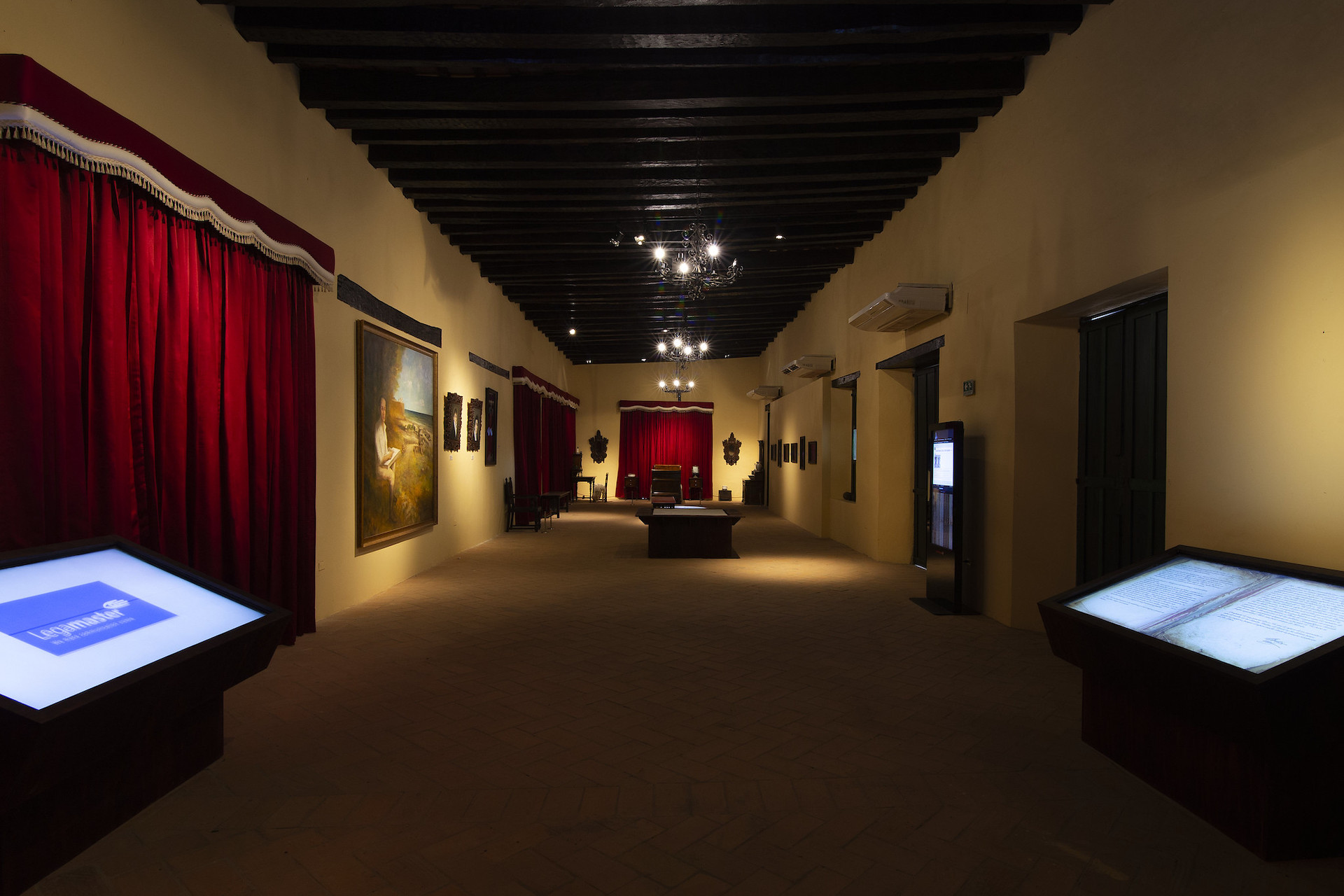
The Renaissance of the Bolivarian Museum of Soledad: Technology and Tradition Intertwined

Metropolitan Stadium: Clear and Powerful Sound with Renkus-Heinz Speakers


Igniting Faith: The Technological Transformation of Valledupar Cathedral

Master Auditoriums at UniNorte: How Schallertech Created a 21st Century Learning Space

Mutis Auditorium at Rosario University. The Greatest Acoustic Challenge We Have Faced.
Table of contents